What buyers mean
They want a complete point-of-sale setup: checkout speed, inventory warnings, cashier permissions, and reports.
Core commercial page
A modern POS system should be more than a till screen. It should help a business sell faster, control stock better, supervise staff more clearly, and make reporting easier to trust at the end of the day.
What buyers mean
They want a complete point-of-sale setup: checkout speed, inventory warnings, cashier permissions, and reports.
Where basic tools fall short
Billing-only setups do not reconcile cash drawers, manage cashier leakage, or track low stock automatically.
Best-fit audience
Growing businesses moving from manual books, spreadsheets, or basic tills into one cleaner workflow.
Product proof
Screenshots help buyers and crawlers understand that TselevPOS is a real operating system, not just a feature list. The interface supports checkout, inventory visibility, reporting, and daily store control across common business devices.
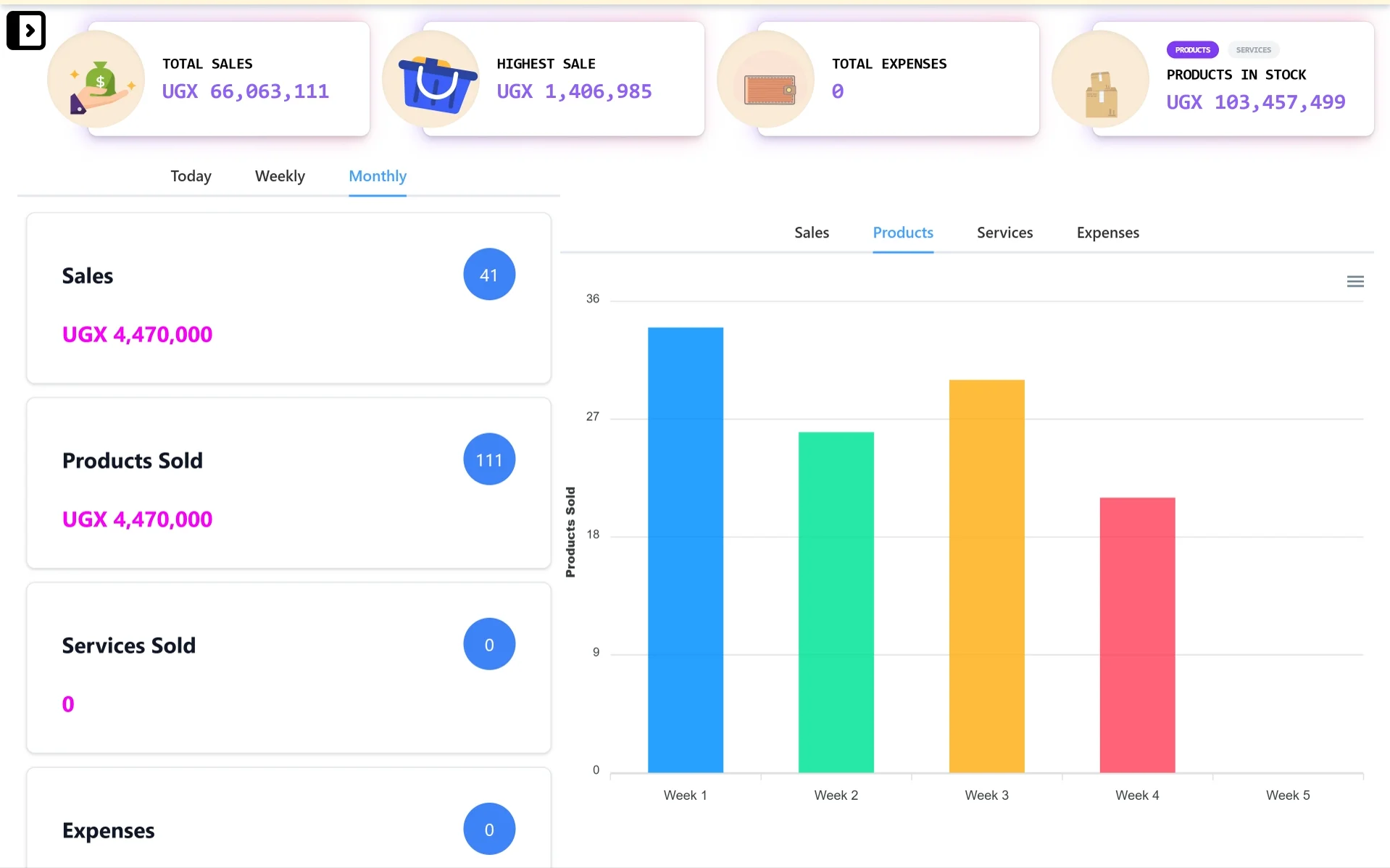
Desktop control center
A wider dashboard view for owners and managers who need sales totals, stock value, expense visibility, and reporting charts from a laptop or desktop.
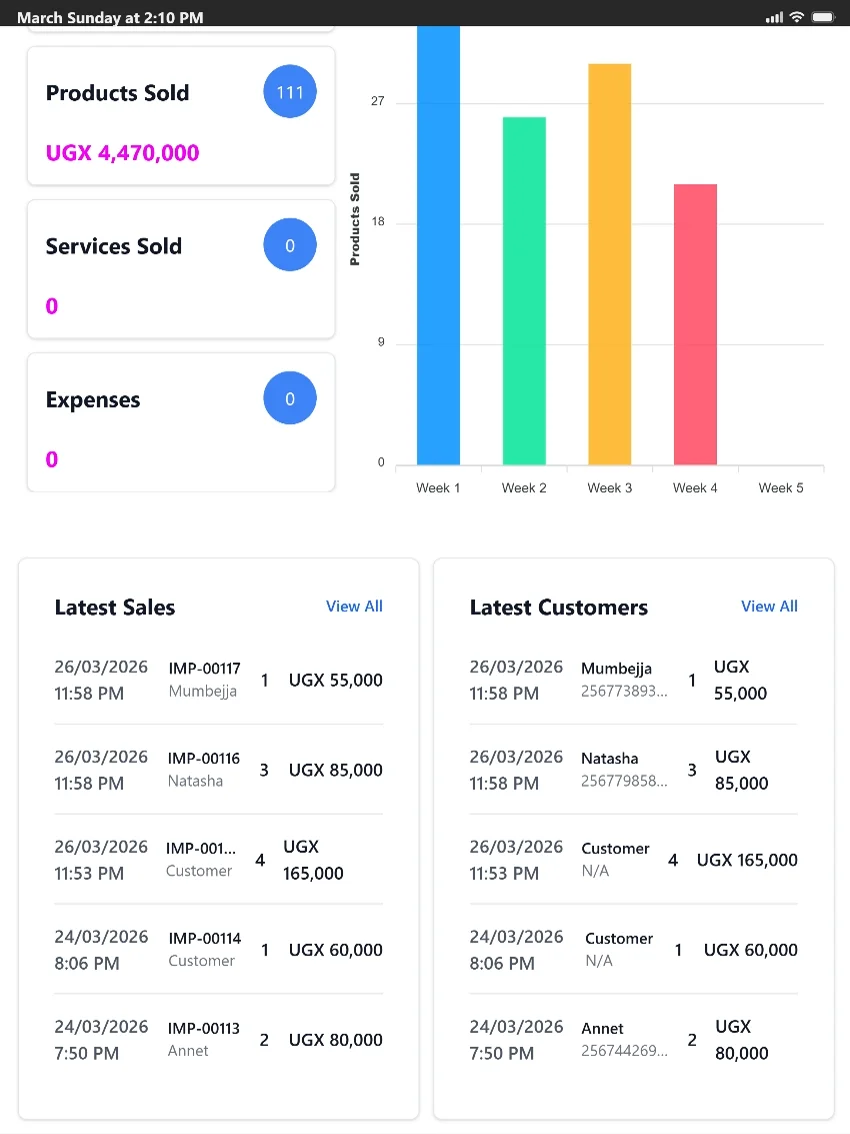
Tablet-friendly checkout
A tablet-friendly view for counters and supervisors who need quick access to products sold, latest sales, customer activity, and reports.
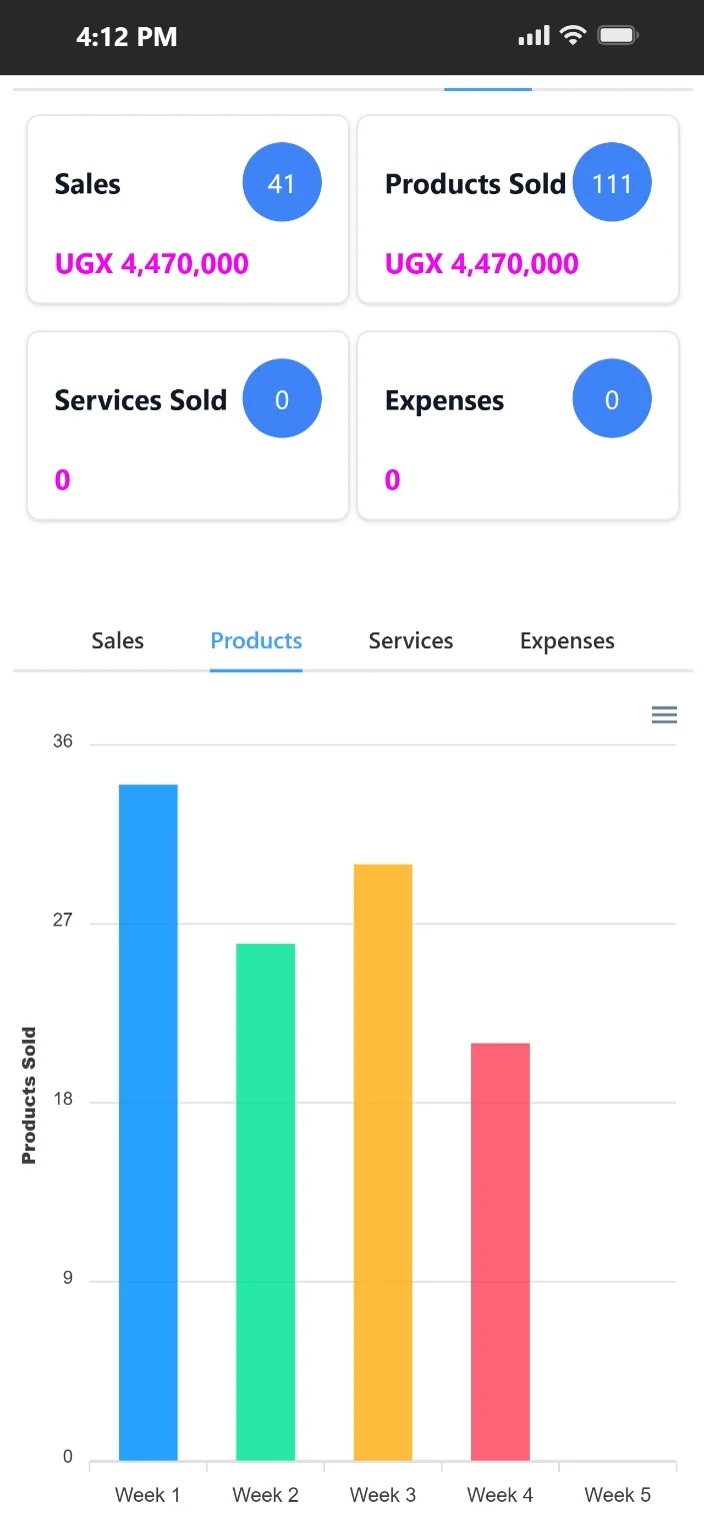
Mobile access on the go
Mobile-friendly access helps owners and supervisors review sales, products sold, expenses, and product movement when they are away from the counter.
Feature evidence
Real-world outcome
Simplified end-of-day reconciliation for the finance team
"Our reconciliation process became more reliable and less stressful. The structure helps both operations and finance stay aligned."
Grace Nakato
Tendo Home Essentials · Wholesale · Mbarara, Uganda
Once a business grows past very simple selling, management usually needs more than receipt printing. The team needs a reliable way to control stock, check sales by user or branch, and reduce exceptions that quietly weaken margins.
TselevPOS protects your business from margin erosion. It replaces manual spreadsheet consolidation, prevents stock pilferage, and audits cashier shift handovers with automated cashier shift reports.
TselevPOS is built as a working system for sales, inventory, customer handling, and reporting in one place.
It fits businesses that want to reduce operational guesswork, improve accountability, and keep the software simple enough for actual staff adoption.
Buyer evaluation
Does the system allow cashiers to declare cash at shift close and compare it to system sales to identify shortages?
Can you easily review history logs for deleted items, modified quantities, or cash drawer openings?
Are low-stock notifications built in to prevent stockouts and lost customer orders?
Warning signs
Trial checklist
Supported footprint
Compliance boundaries
Next step
These pages are meant to help serious buyers evaluate operational fit. If the workflow, controls, and reporting model match what your team needs, the next step is to see the product in context.
Related paths
FAQ
Yes. Cashiers must log declared cash at shift close. TselevPOS audits this against cash sales to identify shortages or discrepancies.
Yes. You can assign cashiers standard roles that block discount or refund capabilities, requiring supervisor authorization.
Yes. You can set low-stock warning thresholds for products, and the system compiles them on your dashboard.