Core trust question
Can the business continue selling without losing operational discipline when internet connectivity becomes unreliable?
Trust page
Reliability matters most when the counter is busy. Businesses need confidence that the POS can keep sales moving during unstable connectivity and that managers can still trust the records once normal sync returns.
Core trust question
Can the business continue selling without losing operational discipline when internet connectivity becomes unreliable?
TselevPOS position
TselevPOS is marketed as offline-friendly so teams can keep trading and later restore synchronized visibility rather than stopping service.
What to verify
Use the trial to simulate connectivity pressure, then review how the team understands the workflow before, during, and after that scenario.
Product proof
Screenshots help buyers and crawlers understand that TselevPOS is a real operating system, not just a feature list. The interface supports checkout, inventory visibility, reporting, and daily store control across common business devices.
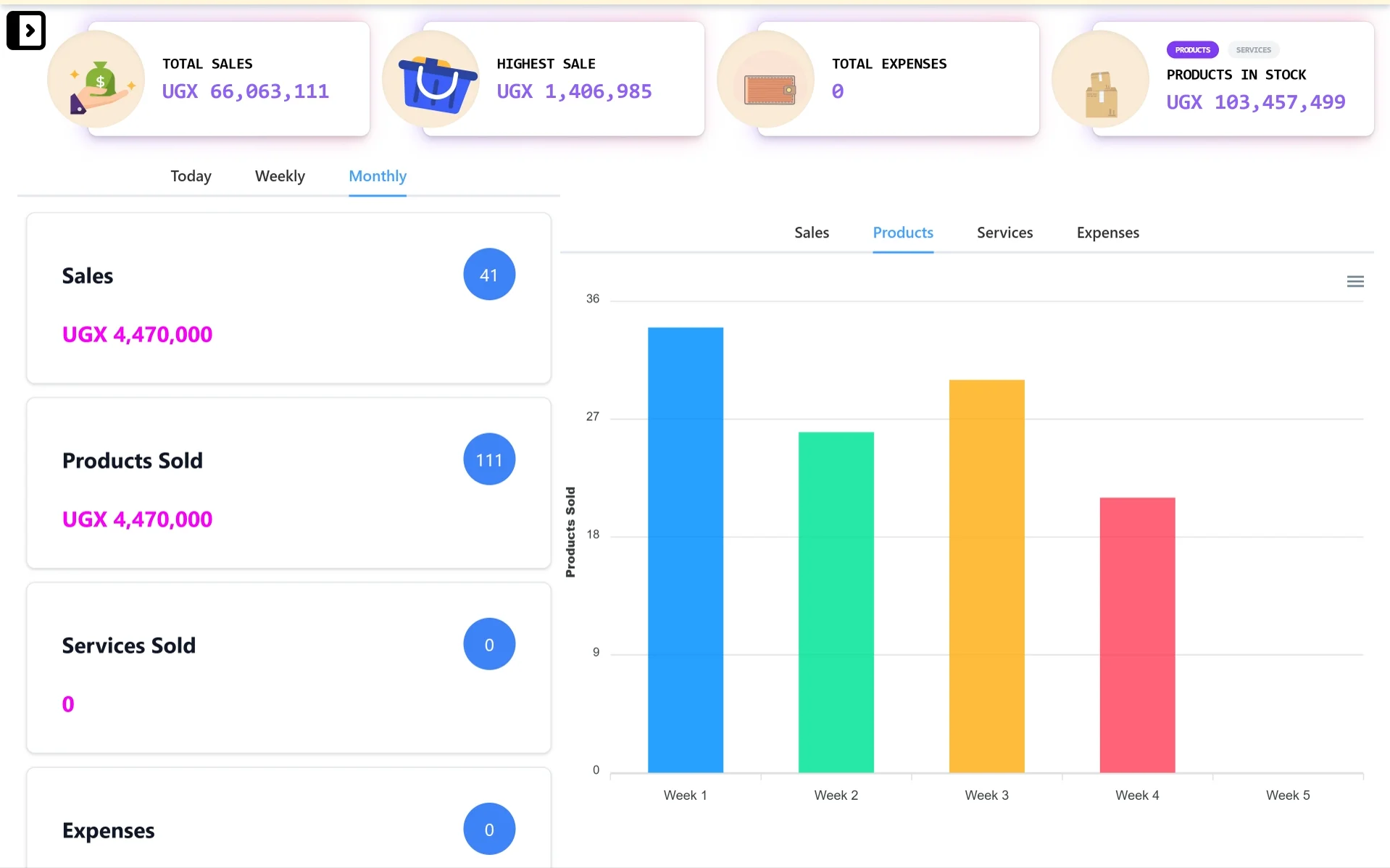
Desktop control center
A wider dashboard view for owners and managers who need sales totals, stock value, expense visibility, and reporting charts from a laptop or desktop.
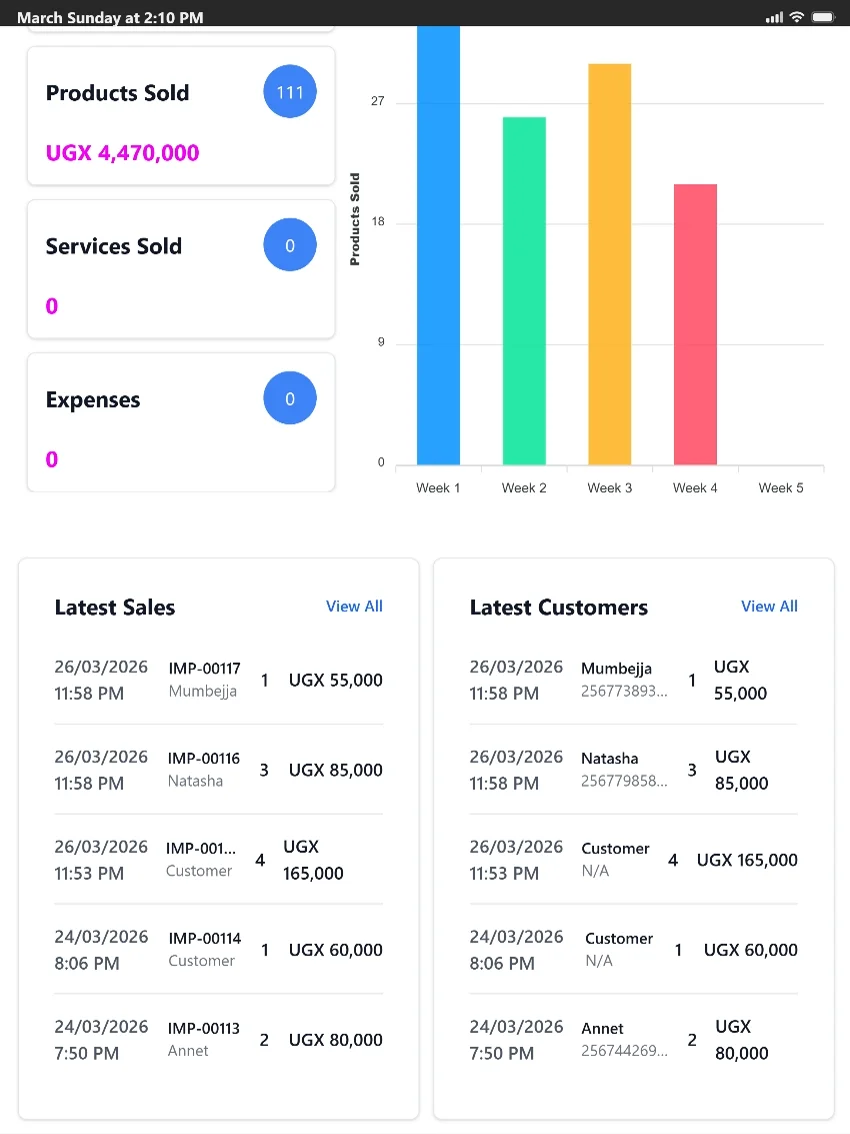
Tablet-friendly checkout
A tablet-friendly view for counters and supervisors who need quick access to products sold, latest sales, customer activity, and reports.
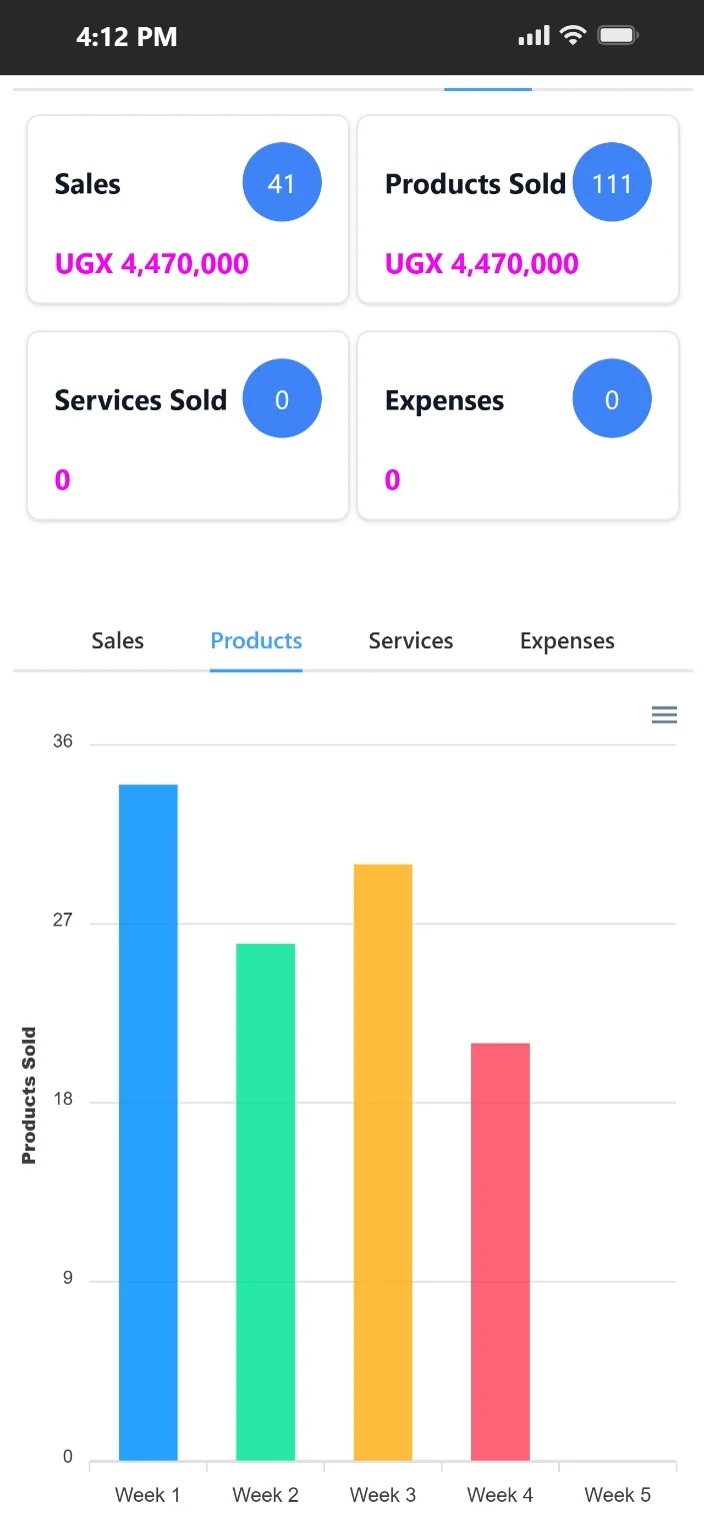
Mobile access on the go
Mobile-friendly access helps owners and supervisors review sales, products sold, expenses, and product movement when they are away from the counter.
Feature evidence
Real-world outcome
Cut checkout bottlenecks during peak hours
"Busy evenings used to be chaotic. With TselevPOS, our service flow is cleaner, our team settles faster, and management gets better daily numbers."
Mercy Achieng
Savanna Bistro · Hospitality · Jinja, Uganda
A POS does not fail only when the software is down. It also fails when the workflow becomes confusing under pressure. If staff do not know whether to continue, pause, or improvise, queues grow and records become harder to trust later.
TselevPOS positions offline continuity as an operating requirement, especially for businesses trading in environments where connectivity is not always consistent across the day or across branches.
Reliability should be tested as a workflow, not only accepted as a claim. Teams should understand how the counter behaves, what supervisors can review, and how end-of-day reporting still makes sense afterward.
For many SMEs, that kind of practical resilience matters more than infrastructure jargon because the business impact shows up at checkout, in stock handling, and in manager confidence after the shift.
Buyer evaluation
Ask whether selling stays understandable for frontline staff when the internet is unstable, not just whether a feature label says offline.
The owner should still be able to review what happened without re-entering the day manually.
A resilient system still needs a resilient team. Confirm that staff know how the offline flow works before going live.
Warning signs
Trial checklist
Supported footprint
Compliance boundaries
Demo paths
Show buyers how TselevPOS handles selling, reporting, and management visibility across different currencies.
Watch on YouTubeWalk through digital receipt delivery, sale notifications, and owner-facing WhatsApp workflow examples.
See receipt workflowNext step
These pages are meant to help serious buyers evaluate operational fit. If the workflow, controls, and reporting model match what your team needs, the next step is to see the product in context.
FAQ
Yes. TselevPOS positions itself as offline-friendly so teams can keep selling when connectivity is unstable and later return to synchronized visibility.
No. It is a trust page describing the reliability approach and what buyers should test. Final uptime expectations should be confirmed during evaluation and onboarding.
Test a realistic counter scenario with weak connectivity, then review whether staff and management can still understand the day clearly afterward.